
Step 1
1
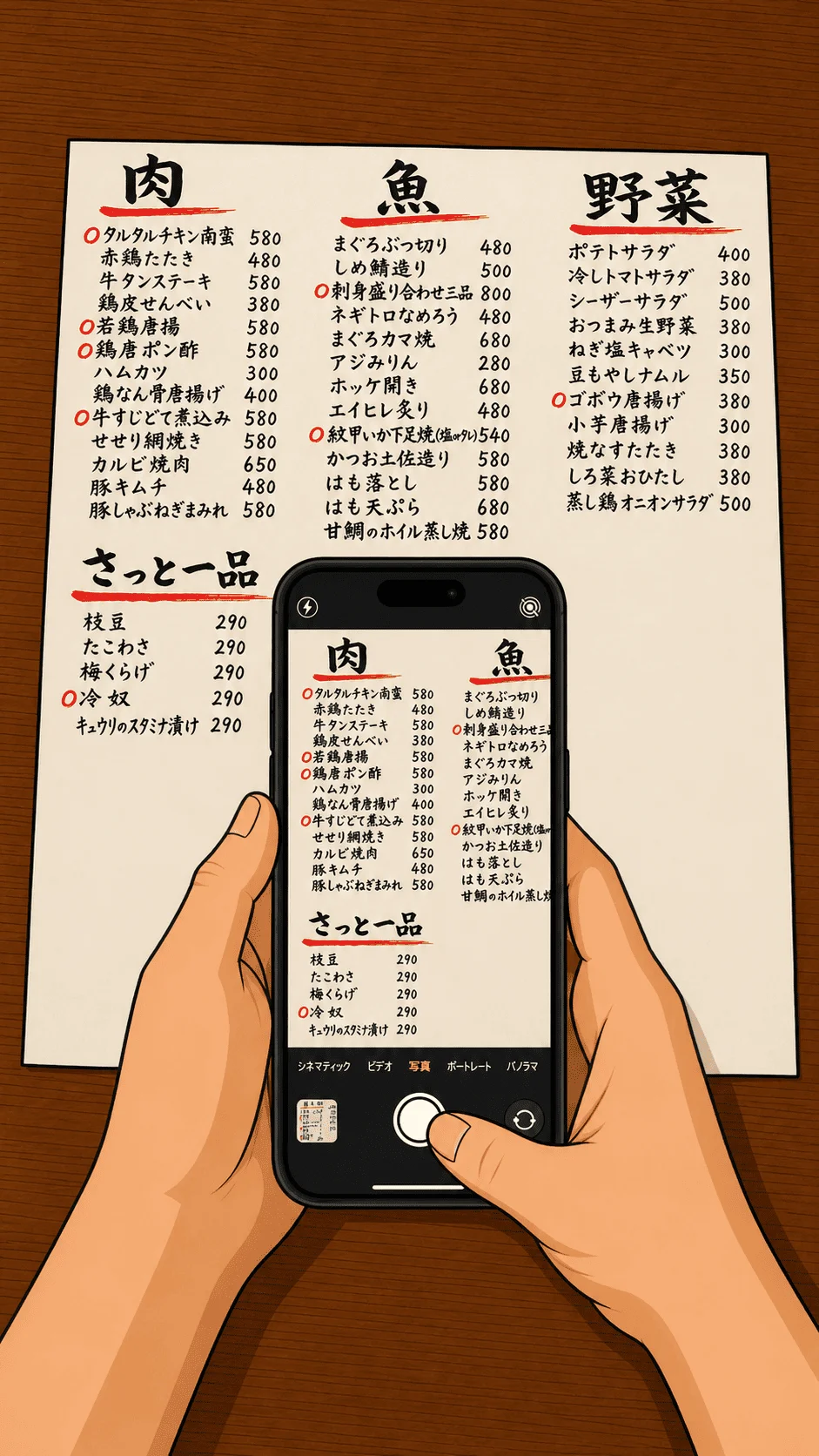
Take a photo
Use the camera or photo library to capture a paper menu, blackboard, or handwritten special.
AI menu translator for iOS
Snap a menu. Understand what to order.
Translate printed, handwritten, and local-only restaurant menus into your language while you travel. Know the dish, ingredients, and ordering context before you point at the menu.

Free to download. Available for iPhone.
How it works
FoodSavvy keeps the flow simple: capture the menu, read the translation, and show the order clearly when needed.
Use the camera or photo library to capture a paper menu, blackboard, or handwritten special.

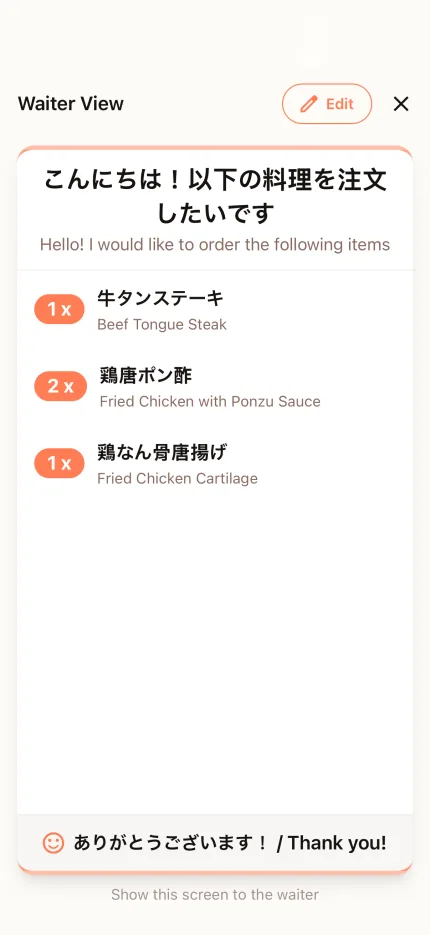
Search the translated menu, review your choices, and show a simple order ticket to restaurant staff.

Savor your meal without missing out on any delicious dishes due to language barriers.
Built for real restaurant menus
Menus are messy: handwriting, local dish names, mixed languages, and unclear ingredients. FoodSavvy is designed around that real dining moment.
Works with daily specials, blackboard menus, and photo-heavy restaurant menus when a standard translation app is not enough.
Find chicken, seafood, spicy dishes, or anything you care about without scrolling through a long menu.
Japanese, Thai, Korean, Italian, and more can be translated into English, Traditional Chinese, Simplified Chinese, Japanese, or Korean.
Past translation results are saved locally on your phone, so you can revisit them later without cloud sync.
Travel dining scenarios
FoodSavvy is especially helpful when restaurants are local, seasonal, or not designed around tourist menus.
Japan
Understand seasonal dishes, sashimi names, grilled skewers, and staff recommendations without guessing.
Thailand
Quickly check dish names, ingredients, and spice context before ordering from a stall or local shop.
Italy
Decode pasta types, sauces, seafood, cured meats, and regional dishes before choosing.
Privacy and practical details
Menu translation needs an internet connection for AI processing, but FoodSavvy avoids unnecessary cloud storage for your dining history.
Menu photos are sent for translation processing and are not stored.
Translated menus are saved on your device for reference, with no cloud sync across accounts.
Once a result is saved, you can revisit it later even when you are offline.
FoodSavvy does not store your dining history in the cloud unnecessarily, keeping your data under your control.
For travelers and food lovers
Use FoodSavvy when you need an AI menu translator, a handwritten menu translator, or a travel food translation app for restaurants abroad.
FoodSavvy is currently available on iOS only.
FoodSavvy can translate menus into English, Traditional Chinese, Simplified Chinese, Japanese, and Korean. The source menu can be in many restaurant languages, including Japanese, Thai, Korean, Italian, and more.
Yes. FoodSavvy is designed for printed menus, handwritten menus, blackboard specials, and photo-based restaurant menus. AI results may vary by image quality, so it is still worth checking with staff when something is critical.
Yes, an internet connection is required for AI translation. The translation is processed in the cloud for best accuracy. Previous translation results are saved locally on your device and available offline for reference.
Menu photos are used for AI analysis. Translation history is stored locally on your device and does not sync to the cloud.
Everywhere. FoodSavvy works in any country and any restaurant. As long as you can take a photo of the menu, the AI can translate it — from street food stalls in Thailand to fine dining in Japan.
Ready for your next meal abroad
Download FoodSavvy on iPhone and turn unfamiliar restaurant menus into food you can choose with confidence.